 WP Lab
▦
Multiple isolated WordPress environments
Keep separate client sites, theme tests, plugin experiments, and PHP configurations running side-by-side without mixing their files or databases.
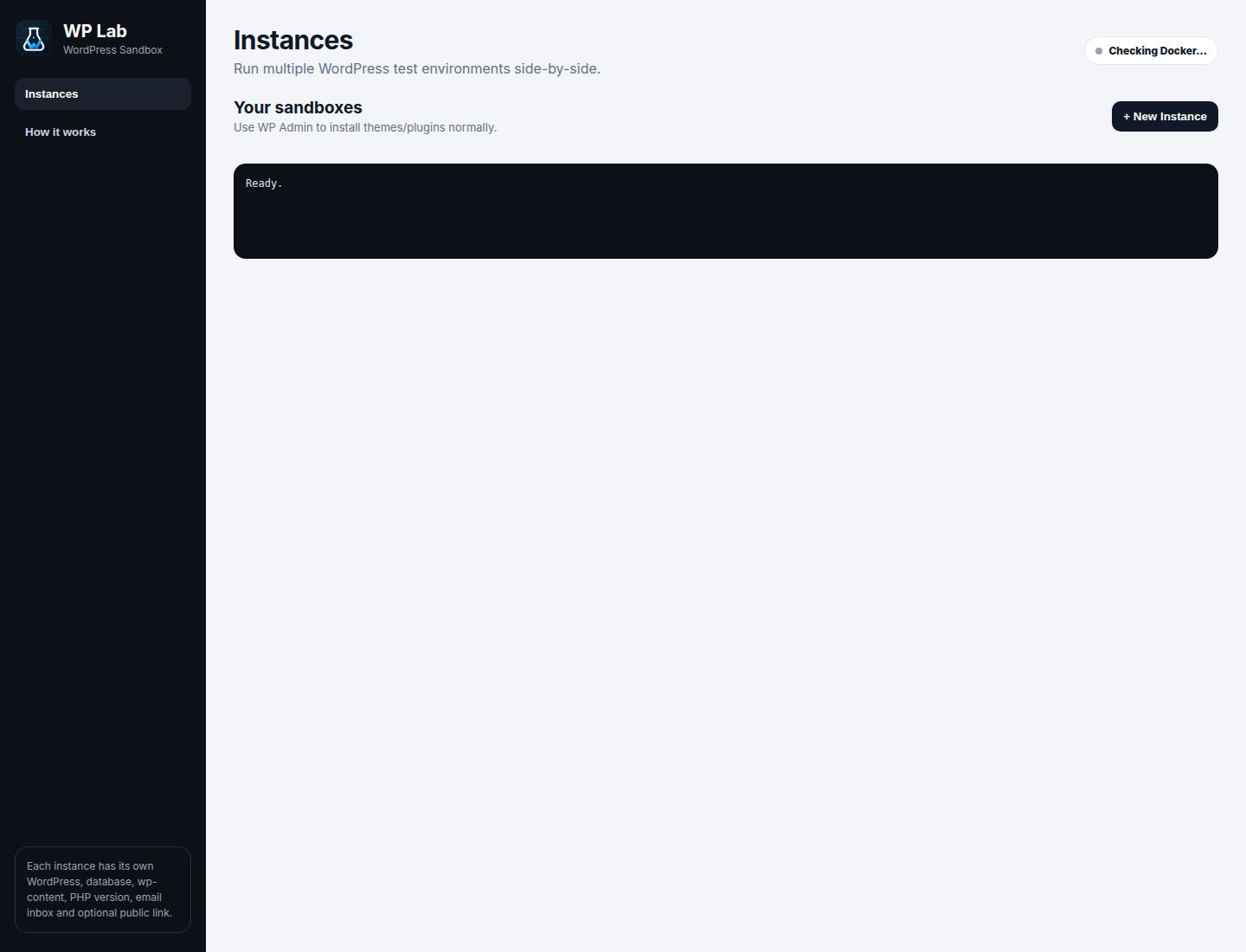
Run multiple isolated WordPress and WooCommerce environments on Linux. Switch PHP versions, catch emails, inspect logs, preview sites, and share temporary client links — from one clean desktop app.
WP Lab takes the repetitive pieces of local WordPress development and turns them into reusable controls you can see, understand, and reset.
Keep separate client sites, theme tests, plugin experiments, and PHP configurations running side-by-side without mixing their files or databases.
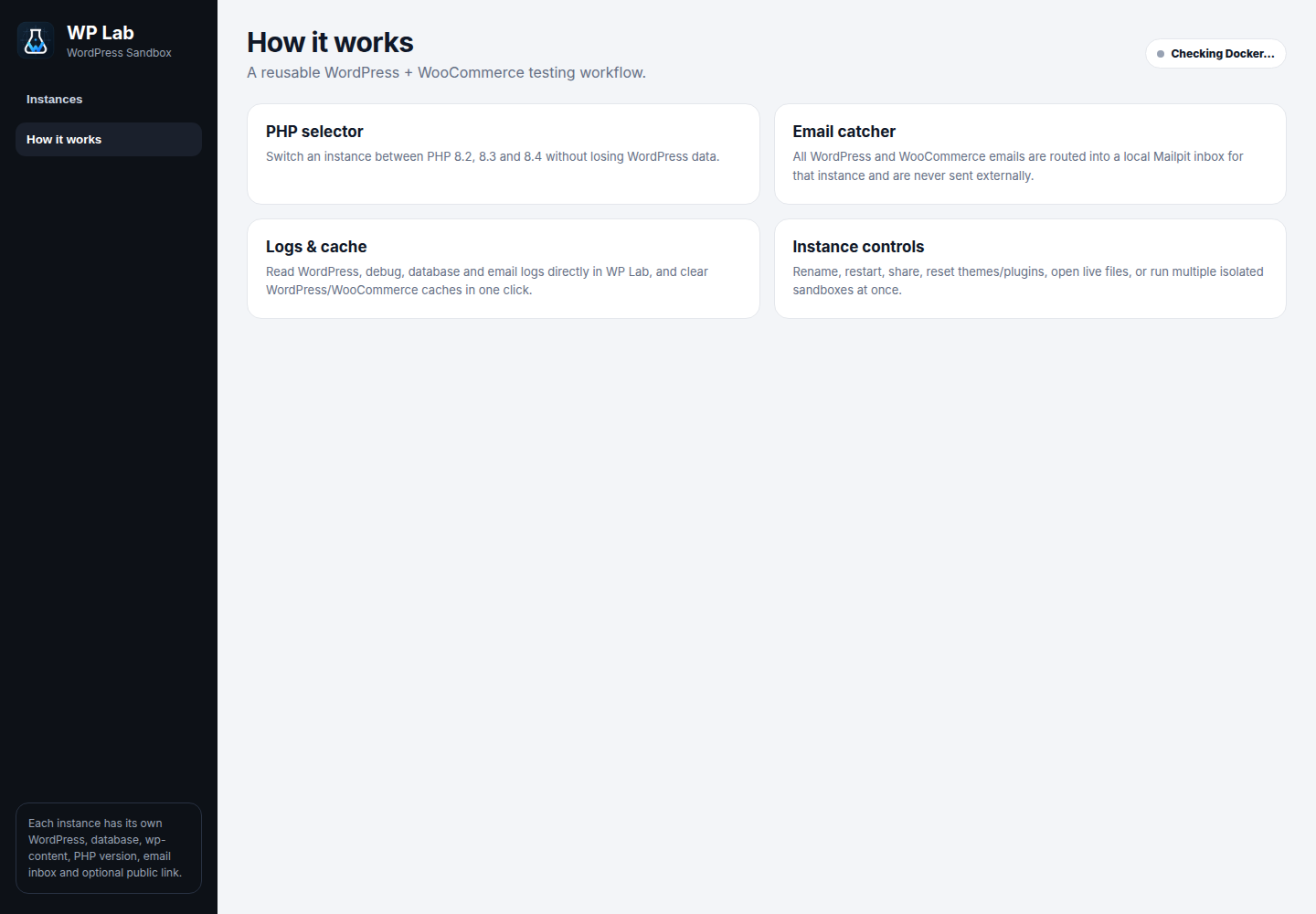
Move a sandbox between PHP 8.2, 8.3, and 8.4 while keeping WordPress data intact.
Each instance gets its own Mailpit inbox for WordPress and WooCommerce email testing.
Read WordPress, Apache, debug, database, and email logs without chasing containers.
Create a temporary HTTPS review link with Cloudflare Tunnel, then shut it down when finished.
Open WP Admin, install your theme or plugin the usual way, generate test content, switch runtime versions, inspect results, and throw the sandbox away when you're done.
WP Lab is not trying to replace every WordPress development tool. It is for people who want reusable local environments without repeatedly rebuilding and managing them by hand.
git clone https://github.com/haseebgb92/WP-Lab.git
cd WP-Lab
npm install
npm start
Grab the prebuilt Debian package and keep WP Lab in your app launcher like a normal desktop tool.
WP Lab is a local WordPress and WooCommerce development environment for Linux that manages isolated Docker sandboxes from one desktop interface.
Yes. Every instance has separate WordPress data, database data, ports, PHP settings, logs, and a Mailpit inbox.
Yes. WP Lab currently supports PHP 8.2, 8.3, and 8.4 while preserving the sandbox's WordPress data.
Yes. WP Lab includes WooCommerce testing helpers, demo data, local email capture, test shipping, and dummy payment outcomes.
That is the environment WP Lab is currently focused on. It uses Docker Engine and Docker Compose underneath.
Yes. WP Lab can create a temporary HTTPS preview using Cloudflare Tunnel and stop it again from the app.
Open source, Linux-focused, and built for developers who would rather test the work than keep rebuilding the environment.